Emmet for HTML
In this blog, we will understand what Emmet is, why it is a lifesaver for beginners, how it works in your editor, and master the basic syntax to create elements, add classes, nest items, and generate full HTML structures instantly.
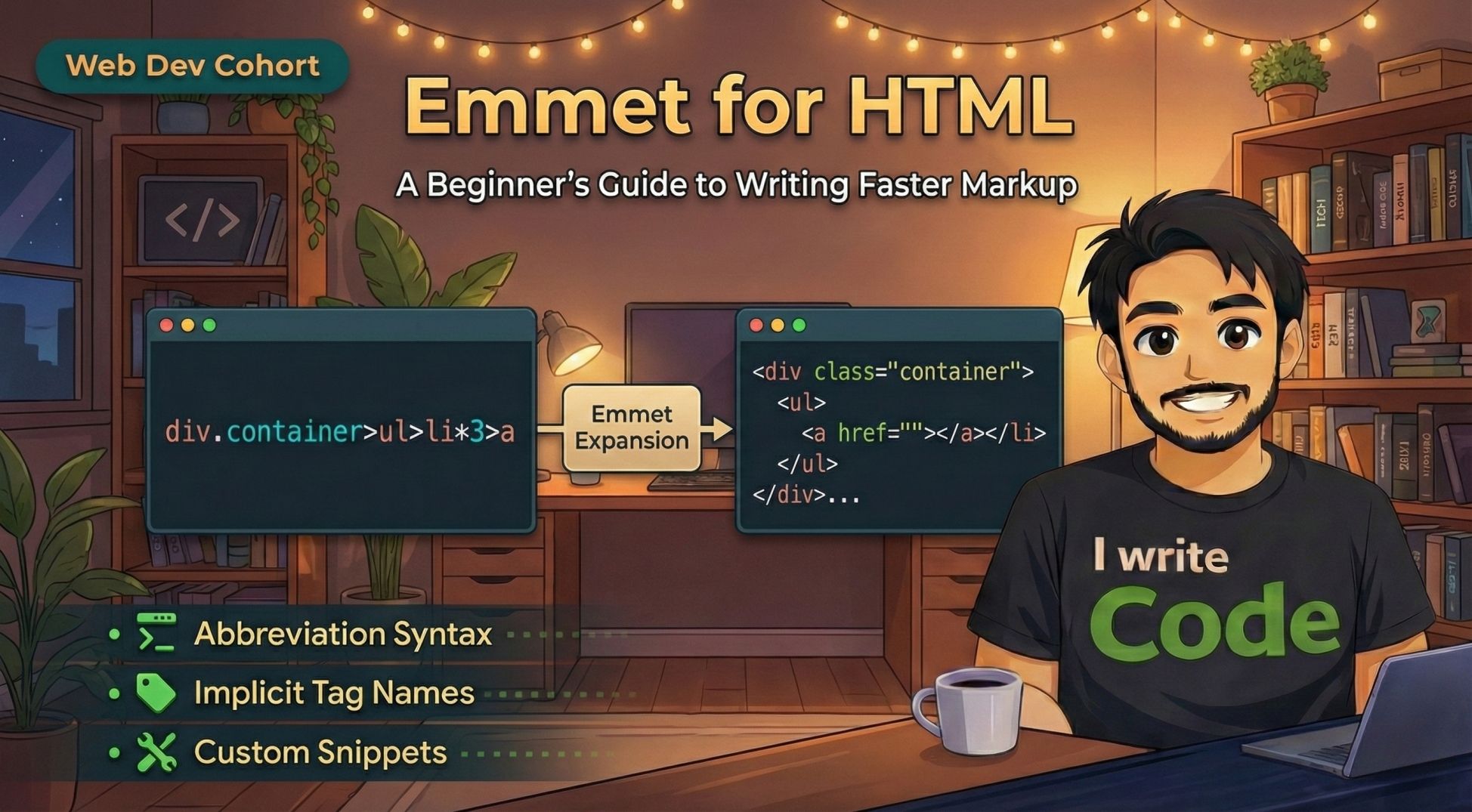
Writing HTML is the foundation of web development, but let's be honest, typing out all those opening and closing tags < > again and again can get tiring. It feels repetitive and slows you down.
What if there was a way to type a short code like ul>li*3 and have it magically turn into a full list? That is exactly what Emmet does.
In this blog, we will understand what Emmet is, why it is a lifesaver for beginners, how it works in your editor, and master the basic syntax to create elements, add classes, nest items, and generate full HTML structures instantly.
First, let’s understand what Emmet actually is.
What is Emmet
Emmet is a plugin for text editors that acts like autocorrect or shorthand for code. Just like you might type omg and your phone changes it to Oh my god, Emmet lets you type simple abbreviations(the short code) and expands them into full blocks of HTML code.
It is built into popular editors like VS Code, so you don't even need to install it separately.
Why Emmet is useful for HTML beginners
As a beginner, you might think you should type everything manually to learn better. While that is true for the first few days, typing every single bracket quickly becomes a waste of time.
-
Speed: You can write 100 lines of code in seconds.
-
Fewer Errors: Emmet always creates the opening and closing tags together, so you never forget to close a
</div>. -
Clean Code: It automatically formats your indentation properly.
How Emmet works inside code editors
The workflow is so simple:
-
Type the abbreviation (the short code).
-
Press a trigger key (usually
TaborEnter). -
Watch it expand into full HTML.
For example, if you are in VS Code, you simply type h1 and press Tab.
Result: <h1></h1>
Now, let's look at the specific syntax you will use every day.
Creating HTML elements using Emmet
The most basic usage is just typing the tag name. You don't need to type the angle brackets < or >.
-
Input:
p+Tab -
Output:
<p></p> -
Input:
button+Tab -
Output:
<button></button>
Adding classes, IDs, and attributes
In CSS, we use . for classes and # for IDs. Emmet uses the exact same logic.
Adding a Class:
-
Input:
div.container -
Output:
<div class="container"></div>
Adding an ID:
-
Input:
div#main -
Output:
<div id="main"></div>
Combining both:
-
Input:
div#header.nav-bar -
Output:
<div id="header" class="nav-bar"></div>
Adding Attributes:
If you need specific attributes, use square brackets [].
-
Input:
a[href="google.com"] -
Output:
-
<a href="google.com"></a>
Creating nested elements (Children and Siblings)
HTML is a tree structure where elements are inside other elements. Emmet lets you build this hierarchy using > (child) and + (sibling).
The Child Operator (>)
Use this when you want to put one element inside another.
-
Input:
div>p -
Output:
<div>
    <p></p>
</div>
The Sibling Operator (+)
Use this when you want elements to be on the same level, next to each other.
-
Input:
h1+p -
Output:
<h1></h1>
<p></p>
Repeating elements using multiplication
This is one of the most powerful features. Instead of copy-pasting a line 5 times, just multiply it using *.
-
Input:
li*3 -
Output:
<li></li>
<li></li>
<li></li>
Combining Nesting and Multiplication:
You can mix these to create complex lists in one go.
-
Input:
ul>li*3 -
Output:
<ul>
    <li></li>
    <li></li>
    <li></li>
</ul>
Generating full HTML boilerplate with Emmet
When you start a new file, you usually need the standard HTML structure (<html>, <head>, <body>). Typing this from memory is hard.
Emmet makes this instant.
-
Input:
!+Tab -
Output:
<!DOCTYPE html>
<html lang="en">
<head>
    <meta charset="UTF-8">
    <meta name="viewport" content="width=device-width, initial-scale=1.0">
    <title>Document</title>
</head>
<body>

</body>
</html>
Emmet Cheat Sheet
Here is your quick-reference cheat sheet for Emmet. You can save this or pin it while you are coding to speed up your workflow!
| Feature | What you Type | What you Get (Result) |
|---|---|---|
| Basic Tag | h1 | <h1></h1> |
| Class | .box | <div class="box"></div> |
| ID | #header | <div id="header"></div> |
| Tag + Class | p.text | <p class="text"></p> |
| Child (Nest) | ul>li | <ul><li></li></ul> |
| Sibling (Next to) | h1+p | <h1></h1><p></p> |
| Multiplication | li*3 | <li></li><li></li><li></li> |
| Attributes | img[src="logo.png"] | <img src="logo.png" alt=""> |
| Boilerplate | ! | Full HTML5 document structure |
| Complex Combo | ul>li.item*3 | <ul><li class="item"></li>...</ul> (3 times) |
Conclusion
Emmet transforms the way you write HTML. It changes coding from a typing test into a logic structure exercise. By using simple abbreviations(the short code), you can generate complex layouts instantly without worrying about missing a closing tag or a quote.
Mastering these few shortcuts will make you significantly faster and more confident in your web development journey.
Enjoyed this article?
If you found this helpful, I'd appreciate it if you shared it with your network!